7 min read
2026/07/16
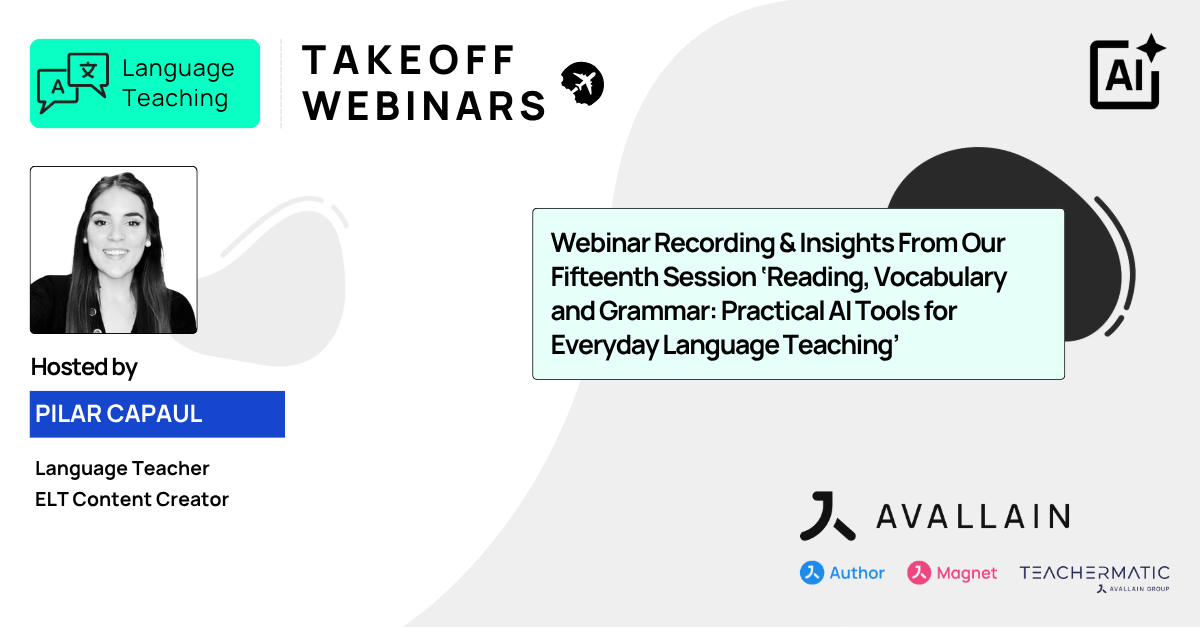
The latest Language Teaching Takeoff Webinar welcomed back guest host Pilar Capaul, language teacher and ELT content creator. Drawing on examples from her own classroom, she demonstrated how the TeacherMatic Language Teaching Edition allows teachers to create engaging lesson materials from authentic content, adapt activities to learners’ needs and build connected reading, vocabulary and grammar practice while maintaining full pedagogical control.
Create CEFR-Aligned Reading, Vocabulary and Grammar Activities with TeacherMatic
London, July 2026 – In ‘Reading, Vocabulary and Grammar: Practical AI Tools for Everyday Language Teaching’, Pilar explored practical ways to create CEFR-aligned reading, grammar and vocabulary activities. Using the ‘Reading Comprehension’, ‘Open Cloze’ and ‘Word Formation’ generators, she showed how teachers can develop connected classroom materials that strengthen comprehension, reinforce grammar and build vocabulary for real-world communication.
Moderated by Alba Melián, Marketing and Sales Operations Consultant at Avallain, the session also highlighted how teachers can refine AI-generated materials, organise resources into folders and export or share activities while applying their own professional expertise and knowledge of their learners.
Find the Right AI Tools for Every Language Skill
Pilar began by introducing the TeacherMatic Language Teaching Edition, a purpose-built and trustworthy AI toolkit for language teachers. With over 50 AI generators, teachers can quickly filter tools by language skill, including reading, writing, speaking and listening, making it easy to find the right generator for their lesson objectives.
She also demonstrated how favourite generators can be saved for quicker access, helping teachers build a personalised collection of the AI tools they use most frequently and love.
Creating Reading Comprehension Activities from Authentic Content
Pilar demonstrated how to transform authentic content into engaging, CEFR-aligned reading activities in just a few steps. Using a YouTube video about the World Cup hydration breaks, she showed how teachers can incorporate current affairs, popular culture and other timely topics into their lessons, helping make lessons or activities more relevant and engaging for learners.
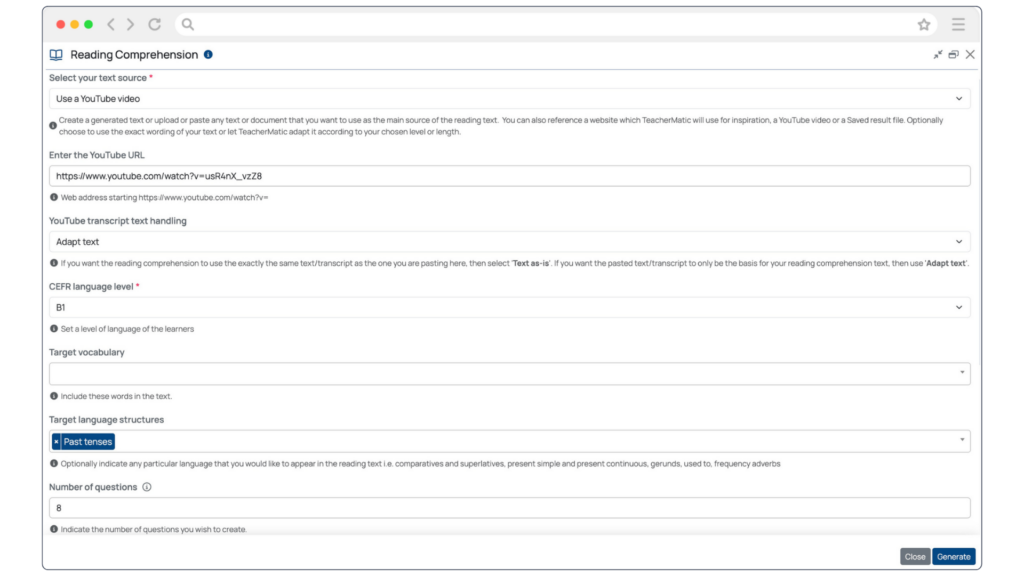
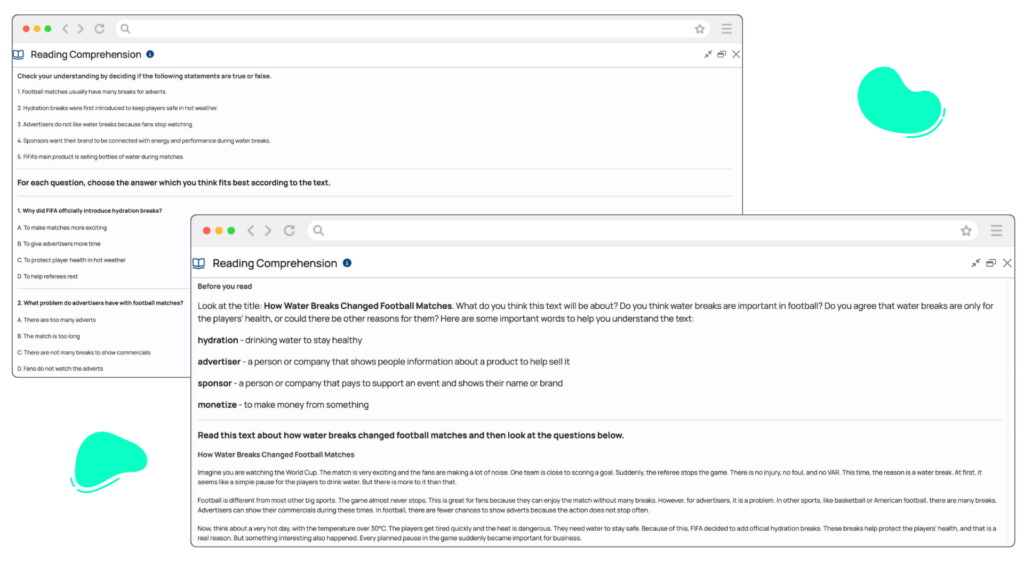
Teachers can create materials from a range of sources, including uploaded documents, pasted text, content generated within TeacherMatic or online videos. For this example, Pilar adapted the source material for B1 learners, focused on the past tense and selected additional activities to support learners before, during and after reading. These included pre-reading tasks to introduce the topic, a glossary learners could use independently to check unfamiliar vocabulary, true-or-false questions to monitor understanding and further activities to extend practice beyond the text.
Together, these activities created a complete reading lesson built around a single authentic source. Teachers can refine the output, adjust formatting, regenerate activities and tailor every resource to suit their learners, lesson objectives and teaching style.
Building Connected Grammar Practice
Teachers can reuse the reading comprehension activity they have already created to generate a connected open cloze exercise. By building on the same content source, they can reinforce grammar while keeping every activity connected to the original topic and context.
Using the ‘Open Cloze’ generator, Pilar created a B1-level activity complete with clear instructions, worked examples and an answer key. As TeacherMatic is purpose-built for language teaching, teachers do not need to write complex prompts or become prompt engineering experts to create tailored, high-quality teaching resources.
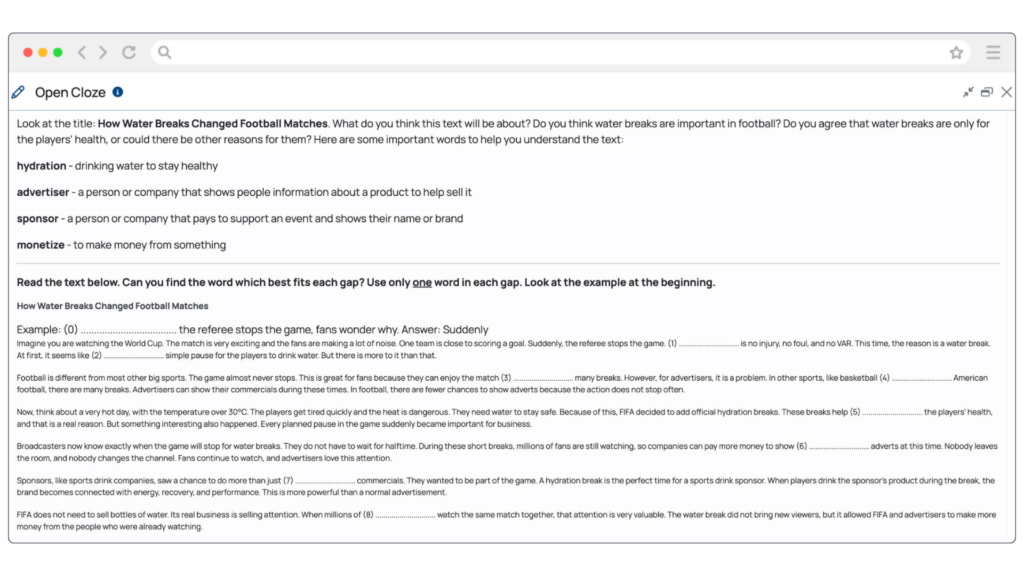
Pilar also demonstrated how teachers can tailor activities to focus on specific language points. Instead of creating a general open cloze exercise, they can refine the output to target particular grammatical features, such as prepositions, pronouns or nouns, helping learners practise the language they need to develop.
Reinforcing Vocabulary Through Contextualised Practice
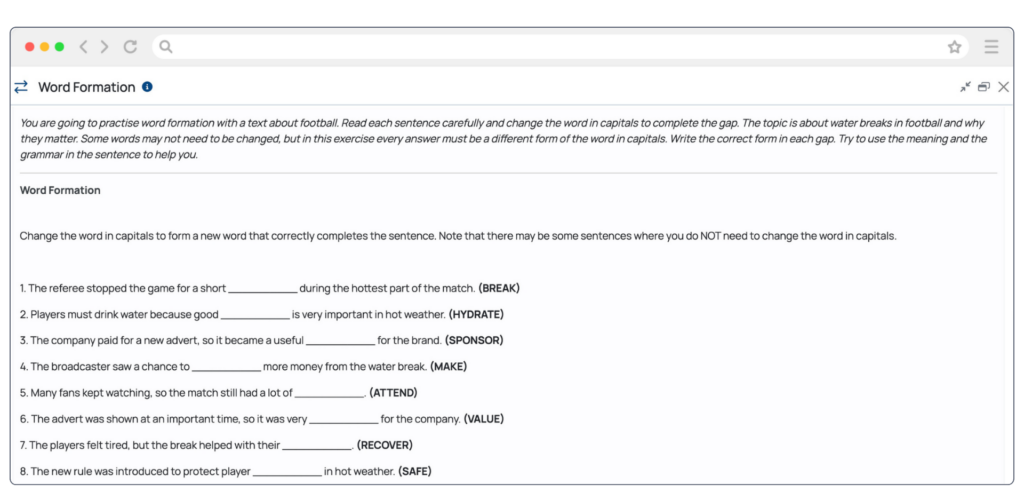
Pilar’s final demonstration showed how language educators can continue to build on previously created resources to produce word formation activities that reinforce vocabulary in a familiar context. The ‘Word Formation’ generator begins at the B1 level, because these activities are most appropriate for learners working at this level and above. The generator does not offer A1 or A2 as selectable CEFR levels, ensuring activities align with learners’ expected language development.
Refine, Organise and Reuse Your Teaching Materials
Every TeacherMatic AI generator is designed to support, not replace, teachers’ professional judgement. Whether creating reading activities, grammar exercises or vocabulary practice, teachers can review and refine every output to suit their learners, lesson objectives and teaching context.
Pilar also explained how resources can be regenerated to provide fresh ideas or alternative approaches, helping teachers explore different ways to present the same language focus. Simple refinements, such as improving formatting and readability, can make activities clearer and more accessible for learners.
One of Pilar’s favourite TeacherMatic features is the ability to save, organise and revisit generated resources. Activities can be grouped into folders, previewed and exported in formats such as PDF or Word, or shared directly with learners through platforms such as Google Classroom. Resources can also be shared with colleagues, making it easier to collaborate, reuse effective materials and build a growing library of teaching resources over time.
Supporting Every Stage of Lesson Preparation
By the end of the session, Pilar had demonstrated how TeacherMatic supports teachers from initial lesson planning through to the creation and refinement of connected classroom materials. Starting with a single authentic source, she used safe, purpose-built AI tools to create CEFR-aligned reading, grammar and vocabulary activities that help learners improve comprehension, practise grammar and develop vocabulary.
Rather than relying on complex prompts, Pilar was able to personalise every activity for her learners, refine and modify the outputs and review each resource before use. In just a few minutes, she had created a complete lesson tailored to her teaching objectives and learner needs, supporting learners in building language confidence and preparing them for real-world communication.
Explore the TeacherMatic Language Teaching Edition
The TeacherMatic Language Teaching Edition provides practical, safe AI tools that help language educators create CEFR-aligned materials supporting reading comprehension, vocabulary development and grammar practice. Teachers remain in control of every step, reviewing and refining outputs to meet the needs of their learners and teaching context.
Next in the Webinar Series
After a short summer break, join award-winning educator and edtech specialist Nik Peachey for the next session in the Language Teaching Takeoff Webinar Series.
Nik will share practical ideas and strategies that you can apply immediately to support your learners’ language development. You’ll also discover new ways to make the most of the TeacherMatic Language Teaching Edition in your everyday teaching.
🗓 Thursday, 17th September
🕛 12:00 – 12:30 BST (13:00 – 13:30 CEST)
About Avallain
For more than two decades, Avallain has enabled publishers, institutions and educators to create and deliver world-class digital education products and programmes. Our award-winning solutions include Avallain Author, an AI-powered authoring tool, Avallain Magnet, a peerless LMS with integrated AI, and TeacherMatic, a ready-to-use AI toolkit created for and refined by educators.
Our technology meets the highest standards with accessibility and human-centred design at its core. Through Avallain Intelligence, our framework for the responsible use of AI in education, we empower our clients to unlock AI’s full potential, applied ethically and safely. Avallain is ISO/IEC 27001:2022 and SOC 2 Type 2 certified and a participant in the United Nations Global Compact.
_
Contact:
Daniel Seuling
VP Client Relations & Marketing